Mobile Gaming Accessories
Buying Guide 2026

Everything you need to build the perfect mobile gaming setup — from understanding your gaming style to choosing the right accessories within your budget.

Updated 2026 All Budgets Android & iOS 5-Step Framework

How to Choose Mobile Gaming Accessories

The mobile gaming accessory market is packed with options — and not all of them are worth your money. This guide walks you through a systematic approach: first understand how you game, then check compatibility, set a budget, and prioritize what actually matters for your play style. By the end, you'll know exactly what to buy.

Whether you're a casual weekend player or a competitive FPS gamer grinding ranked matches, the right accessories can make a measurable difference in your performance and comfort. Let's break it down step by step.

Define Your Gaming Style

Your gaming style is the single most important factor in choosing accessories. Each type of player has different needs — buying for the wrong style wastes money.

😊
Casual Gamer

Needs Basic Comfort

You play for fun, a few hours a week. Comfort matters more than performance. You don't need the most expensive gear.

Grips Stand Basic Clip
🎯
Competitive FPS Player

Needs Precision & Speed

You play shooters, battle royale, and ranked games. Every millisecond and every shot matters. Invest in control and responsiveness.

Triggers Gamepad Cooling
⏱️
Long Session Gamer

Needs Endurance Setup

You game for 3+ hours at a time. Heat buildup, hand fatigue, and back strain are your enemies. Prioritize ergonomics and cooling.

Cooling Ergo Grip Stand
🎒
On-the-Go Gamer

Needs Portability

You play on commutes, trips, and breaks. Size and weight are critical. Everything you bring must fold, clip, or pack small.
Compact Controller Foldable Stand Clip
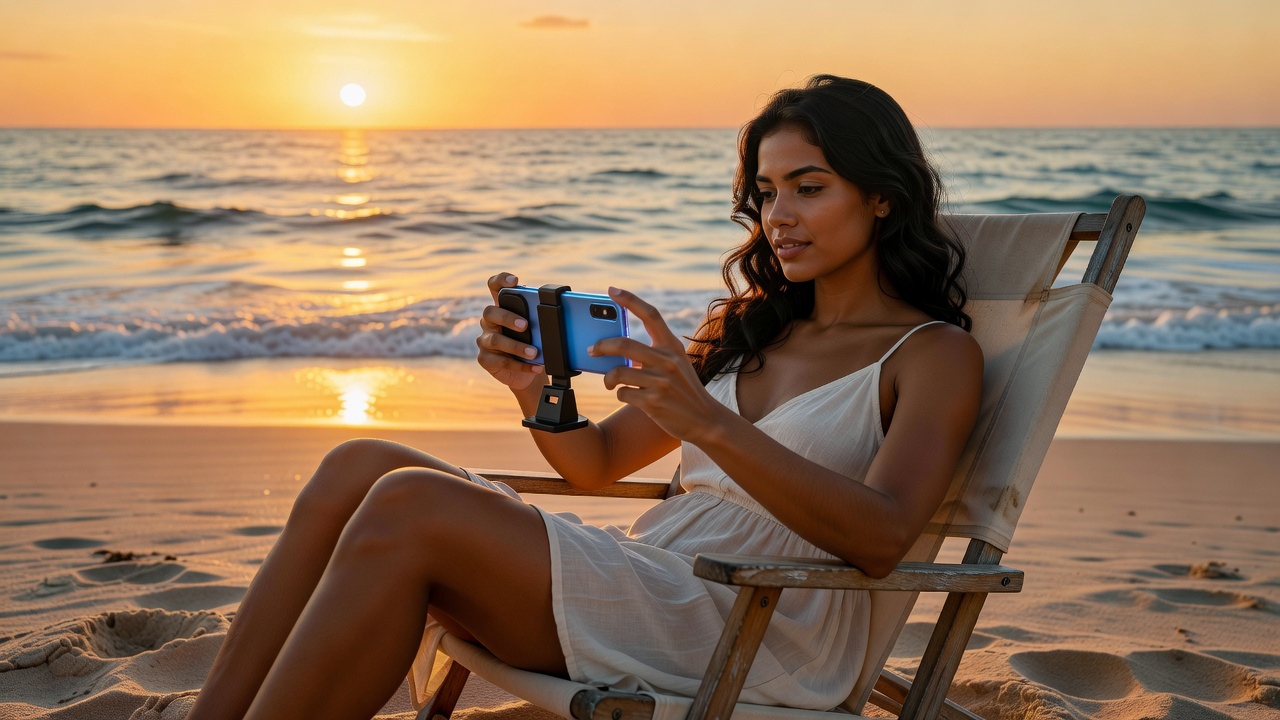
Woman gaming on beach chair with mobile accessories
Mobile Gaming — Anywhere

Your Setup, Your Rules

Great mobile gaming accessories go where you go. From beach chairs to office desks, the right setup transforms any environment into your personal gaming zone. The key is knowing what you actually need.

Continue Reading

Check Compatibility

Not every accessory works with every phone. Check three key compatibility factors before purchasing any mobile gaming accessory.

📱

Phone Model & Size

Most accessories list maximum phone width in mm, not screen inches. Measure your phone's actual width:

  • Standard phones: 68–74mm wide
  • Large phones: 75–80mm wide
  • Phablets: 81–90mm wide
🤖

Operating System (OS)

Some accessories require specific OS support for full functionality:

  • Android: Most accessories fully compatible
  • iOS: Check Bluetooth/USB-C support
  • Game-specific: Verify game support per accessory
  • App requirements: Some controllers need companion apps
🔌

Connector Type

Modern phones use different connectors that affect accessory compatibility:

  • USB-C: Most Android phones (2018+)
  • Lightning: Older iPhones (before iPhone 15)
  • USB-C on iPhone: iPhone 15 and newer
  • Wireless: Bluetooth accessories avoid this issue entirely

Set Your Budget

Mobile gaming accessories offer excellent value at every price point. Here's what you can build at each budget tier.

Budget Tier
$15 – $40
  • 1x Set of mobile triggers ($8–15)
  • 1x Gaming grip strip set ($5–10)
  • 1x Foldable travel stand ($8–12)
  • Focus: comfort and basic control
  • Best for: casual and occasional players
Mid-Range Tier
$40 – $80
  • 1x Phone gamepad controller ($25–45)
  • 1x Clip-on cooling fan ($12–20)
  • 1x Phone clip mount ($8–15)
  • Focus: control + thermal management
  • Best for: regular and competitive players
Premium Tier
$80 – $150+
  • 1x Android Bluetooth controller ($40–60)
  • 1x Semiconductor cooler ($25–40)
  • 1x Desktop gaming stand ($15–22)
  • 1x Pro trigger set ($15–20)
  • Best for: competitive and serious gamers
Competitive mobile gamer in hammock with accessories
Competitive Play

Serious Gamers Need Serious Gear

Competitive mobile gaming demands precision accessories. Semiconductor coolers keep your CPU throttle-free, Bluetooth controllers eliminate touch-screen lag, and trigger sets give you analog precision for faster reactions.

Prioritize by Need

Match your gaming problem to the right accessory solution. Use this table to identify exactly what you need first.

Your Gaming Problem / Need Recommended Accessory Priority
Phone gets hot and performance drops Clip-On Cooling Fan or Semiconductor Cooler High
Hands sweat and phone slips during play Gaming Grip Case or Grip Strips High
Touch controls are imprecise for FPS Mobile Trigger Set (L1/R1 buttons) High
Need console-style control Phone Gamepad or Android Bluetooth Controller Medium
Neck and eye strain from looking down Phone Stand (desktop or gooseneck) Medium
Gaming on a bicycle or in a vehicle Handlebar Phone Clip Mount Medium
Want to game hands-free (watching/streaming) Gooseneck Stand or Tripod Low
Want to stream or record gameplay Tripod Stand + Clip Mount Low
Long gaming sessions without charging Controller with Pass-Through Charging Medium
Gaming outdoors on uneven surfaces Tripod Stand with Rubberized Feet Low

Consider Build Quality

The cheapest option isn't always bad — but knowing the difference between acceptable quality and poor quality saves you from wasting money twice.

Materials That Last

  • Aluminum alloy stands and grips
  • Silicone grip pads (not rubber that hardens)
  • ABS plastic with reinforced hinges
  • Stainless steel trigger mechanisms
  • USB-C connectors (not micro-USB)

Red Flags to Avoid

  • No stated material information
  • Extreme underpricing vs. similar products
  • Thin, flimsy clamp mechanisms
  • No phone width specifications listed
  • No return policy or warranty information

Ready-Made Gaming Kits

Not sure where to start? These three curated kits cover every budget and gaming level.

Must-Have Starter Kit

Perfect for new mobile gamers
  1. Mobile Trigger Set (L1/R1)
  2. Anti-Slip Gaming Grip
  3. Foldable Travel Stand
Total: ~$20 – $35
🏆

Advanced Competitive Kit

For serious ranked players
  1. Phone Gamepad Controller
  2. Semiconductor Cooler
  3. Pro Trigger Set (4-finger)
  4. Ergonomic Gaming Grip Case
  5. Desktop Aluminum Stand
Total: ~$75 – $110
🌟

Ultimate Gaming Setup

The complete experience
  1. Android Bluetooth Controller
  2. Semiconductor Cooler + Fan Combo
  3. Pro 4-Finger Trigger Set
  4. Premium Grip Case
  5. Gaming Tripod Stand
  6. Phone Clip Mount (for recording)
  7. Controller-Mounted Phone Holder
Total: ~$130 – $200

Comfort Tips for Longer Gaming Sessions

Even with the best accessories, marathon gaming sessions need smart habits to prevent fatigue and injury.

01

Take 5-Minute Breaks Every 45 Minutes

Rest your eyes and hands. Look at something 20 feet away for 20 seconds. This prevents cumulative strain from building up.

02

Position Your Screen at Eye Level

Use a stand to bring your phone to eye level. Looking down at a flat surface causes neck strain within 30–60 minutes.

03

Keep Your Phone Cool

Thermal throttling reduces frame rates and responsiveness. A clip-on cooler can lower phone temperature by 10–15°C during play.

04

Use a Grip — Not a Death Grip

Gaming grips let you hold your phone with less force. Lighter grip = less hand fatigue = longer, more comfortable sessions.

05

Stretch Your Thumbs and Fingers

Thumb circles, finger extensions, and wrist rotations every 30 minutes prevent repetitive strain injuries common in mobile gamers.

06

Use Night Mode After Dark

Reduce screen brightness and enable blue light filter during evening sessions. This reduces eye strain and improves sleep quality afterward.

07

Charge Between Sessions, Not During

Playing while charging creates excess heat from both battery and gameplay load. Charge to full first, then game. Use a cooler if you must charge-play.

08

Use a Stable Internet Connection

Lag frustration causes you to grip harder and react more aggressively. A stable Wi-Fi or 5G connection reduces stress and physical tension during play.

When NOT to Buy Certain Accessories

Good buying advice also includes telling you what to skip. Here's our honest assessment of when certain accessories aren't worth the purchase.

🎮 Skip a Gamepad If…

You primarily play casual puzzle or strategy games where touch controls are actually preferred. Gamepads add bulk and aren't beneficial for every game genre.

❄️ Skip a Cooler If…

You only game for 20–30 minutes at a time. Short sessions rarely cause thermal throttling. Invest in a cooler only if you regularly game for 1+ hours continuously.

🎯 Skip Triggers If…

Your main games don't use shooting mechanics or don't benefit from external trigger buttons. For MOBAs, casual games, and RPGs, triggers offer minimal advantage.

📐 Skip a Tripod Stand If…

You only game at a fixed desk. A simple desktop stand is a fraction of the cost and handles the same job better for stationary setups.

📱 Skip Controller Clips If…

You use a gamepad or Android controller that already holds your phone. Clips are designed for when you want controller control without a full gamepad device.

💰 Skip Premium Bundles If…

You're just starting out. Start with a $20–35 starter kit, learn what you actually need, then upgrade piece by piece. Don't buy everything at once before knowing your preferences.

Buying Guide FAQ

Answers to the most common questions we receive about mobile gaming accessories.

Do mobile gaming accessories work with all phones?
Most accessories are designed to work with a wide range of smartphones, but compatibility varies. Always check the stated phone width compatibility (in mm), OS requirements, and connector type before purchasing. Wireless/Bluetooth accessories have the broadest compatibility.
Is a $10 mobile trigger set just as good as a $25 one?
For casual play, budget triggers work fine. For competitive gaming, mid-range triggers ($15–25) offer better materials, more responsive springs, and more stable mounting. Very cheap triggers (under $8) often have loose click mechanisms that affect precision.
Can I use a phone gamepad with iOS (iPhone)?
Yes, but with limitations. Many phone gamepads support both Android and iOS, but some features like mapping software may be Android-only. Always verify iOS compatibility explicitly in the product description. Bluetooth gamepads generally offer the best cross-platform support.
Do phone coolers actually improve gaming performance?
Yes, measurably so. Phones throttle CPU/GPU performance when temperatures exceed safe thresholds, causing frame drops and increased input lag. A good semiconductor cooler can reduce phone temperature by 10–18°C and sustain peak performance for 60%+ longer during intensive gaming sessions.
What should I buy first if I have a $30 budget?
Start with our Starter Kit: a mobile trigger set ($8–15), a basic grip ($5–10), and a foldable stand ($8–12). This combination addresses the three most common mobile gaming problems — control precision, hand comfort, and viewing angle — at minimal cost.
Are gaming grips compatible with phone cases?
It depends on the grip type. Adhesive grip strips attach to your case surface. Grip cases replace your existing case entirely. Grip attachments may or may not fit over a case. Check the product type and measurements if using with a case. Many gamers prefer to remove cases when gaming for the slimmest profile.

Ready to Build Your Setup?

Now that you know exactly what you need, explore our detailed comparison tables or browse accessories by category.

Compare Side by Side

See detailed comparison tables for every accessory category — gamepads vs controllers, coolers, grips, triggers, and stands all compared.

Go to Comparison Guide

Browse by Category

Explore each accessory category with detailed product breakdowns, specs, and recommendations tailored to your needs.

See All Categories