Compare mobile gaming accessories side by side to make the best choice for your gaming style, phone, and budget.
The right accessory depends entirely on your gaming style, phone model, and budget. Our comparison tables cut through the noise and show you exactly how each accessory type performs across the metrics that matter most.
Each comparison table below covers a specific accessory category. We compare key specs, performance characteristics, and real-world use cases — so you spend less time researching and more time gaming. Use the navigation links above to jump directly to the category you're interested in.
Both give you physical buttons for mobile gaming — but they work very differently. Here's the full breakdown.
| Feature | Phone Gamepad | Android Controller |
|---|---|---|
| Price Range | $15 – $45 | $30 – $80 |
| Portability | ✓ Excellent — phone slides in | ◎ Good — separate device |
| Compatibility | Wide (fits most phones via clamp) | Broadest — Bluetooth/USB |
| Button Layout | Standard (ABXY + triggers) | ✓ Full console layout |
| Connection Type | USB-C / Lightning direct | Bluetooth 5.0 / USB-C |
| Input Latency | ✓ Very Low (wired) | ◎ Low (Bluetooth) |
| Battery Life | Uses phone battery | ✓ 10–20 hrs independent |
| Charging While Gaming | ◎ Varies by model | ✓ Yes (pass-through) |
| TV/PC Mode | ✗ Phone only | ✓ Multi-device support |
| Best For | Mobile FPS, casual, portability | Competitive, long sessions, multi-platform |
| Overall Verdict | Best budget pick — great for on-the-go | 🏆 Best Overall for serious gamers |
Phone overheating kills performance. Different cooler types tackle the problem in very different ways — here's how they compare.
| Feature | Clip-On Fan | Semiconductor Cooler | Cooling Pad | Water Cooler |
|---|---|---|---|---|
| Price Range | $8 – $18 | $20 – $45 | $10 – $25 | $35 – $70 |
| Temperature Drop | 5–8°C | 10–18°C | 3–6°C | 12–20°C |
| Noise Level | Moderate hum | Near silent | Silent | Light hum |
| Power Source | USB (phone/battery) | USB-C (dedicated) | Passive / USB | USB-C required |
| Phone Compatibility | Universal clip | Check width spec | Universal pad | Check size spec |
| Portability | ✓ Very portable | ✓ Compact | ◎ Good | Bulkier, heavy |
| Setup Time | Instant clip-on | 30 seconds | Place phone on pad | Fill + attach |
| Best For | Budget buyers, casual play | Competitive gamers, heavy sessions | Desk gaming, streaming | Extreme sessions, enthusiasts |
| Verdict | Best entry level | 🏆 Best Value/Performance | Best for desk setups | Best max cooling |
Better grip means better control and less hand fatigue. Three different types address the problem in different ways.
| Feature | Grip Strips | Grip Case | Grip Attachment |
|---|---|---|---|
| Price Range | $5 – $12 | $15 – $35 | $10 – $25 |
| Ease of Install | ✓ Instant — peel and stick | ◎ Replace your current case | ◎ Clip mechanism |
| Phone Compatibility | ✓ Universal — any phone | Model-specific sizing | Width range (check specs) |
| Protection | ✗ None | ✓ Full drop protection | Minimal |
| Gaming Feel | Subtle improvement | ✓ Best ergonomic feel | Good grip enhancement |
| Durability | 3–12 months (adhesive wears) | 1–2+ years | 1–2 years |
| Removability | Easy | Easy (full case swap) | Easy (unclip) |
| Wireless Charging Compatible | ✓ Yes | ◎ Check case model | ✓ Yes |
| Best For | Quick fix, minimal bulk | Serious gamers wanting all-in-one | Gamers who switch cases often |
| Verdict | Best budget option | 🏆 Best Overall Feel | Best flexibility |

Mobile triggers range from $5 budget sets to precision engineering. Here's what separates them by tier and use case.
| Feature | Budget Triggers ($5–10) | Mid Triggers ($12–20) | Pro Triggers ($20–35) |
|---|---|---|---|
| Price Range | $5 – $10 | $12 – $20 | $20 – $35 |
| Finger Count | 2-finger (L/R only) | 2–4 finger options | ✓ 4–6 finger configurations |
| Material | Basic ABS plastic | ABS + metal spring | Metal body + tactile spring |
| Click Feel | Soft, imprecise | Good response | ✓ Crisp, consistent |
| Mounting Stability | May shift during play | Stable for most games | ✓ Secure clamp |
| Compatibility | 4.7"–6.5" phones | 5"–7" phones | 4.7"–7.2" + tablets |
| Game Types | Casual shooters | FPS, MOBA, Battle Royale | All competitive genres |
| Skill Level | Casual / Beginner | Intermediate | Competitive / Advanced |
| Verdict | Try before you commit | 🏆 Best Value | Best for ranked/competitive |
Desktop stand, gooseneck, or tripod — each fills a different role in a mobile gaming setup.
| Feature | Desktop Stand | Gooseneck Holder | Tripod Stand |
|---|---|---|---|
| Price Range | $10 – $25 | $15 – $35 | $20 – $45 |
| Stability | ✓ Excellent — fixed base | ◎ Depends on clamp tightness | ✓ Excellent — 3-leg base |
| Angle Flexibility | Limited — preset angles | ✓ Full 360° flexible arm | ✓ 360° pan + tilt |
| Height Range | Fixed desk height | Clamp-dependent | 15–60cm adjustable |
| Best Position | Desk / table | Bed / couch / desk | Anywhere — floor to desk |
| Portability | Good — compact fold | Moderate — clamp adds size | Good — legs fold |
| Heat Vent Design | ✓ Many models have vents | No special venting | No special venting |
| Phone Cooling Friendly | ✓ Best with coolers | ◎ Possible but awkward | ◎ Possible |
| Best For | Desk gaming, cooler combo setups | Bed, couch, casual watching | Versatile, outdoor, streaming |
| Verdict | 🏆 Best for Gaming | Best for relaxed play | Most versatile overall |
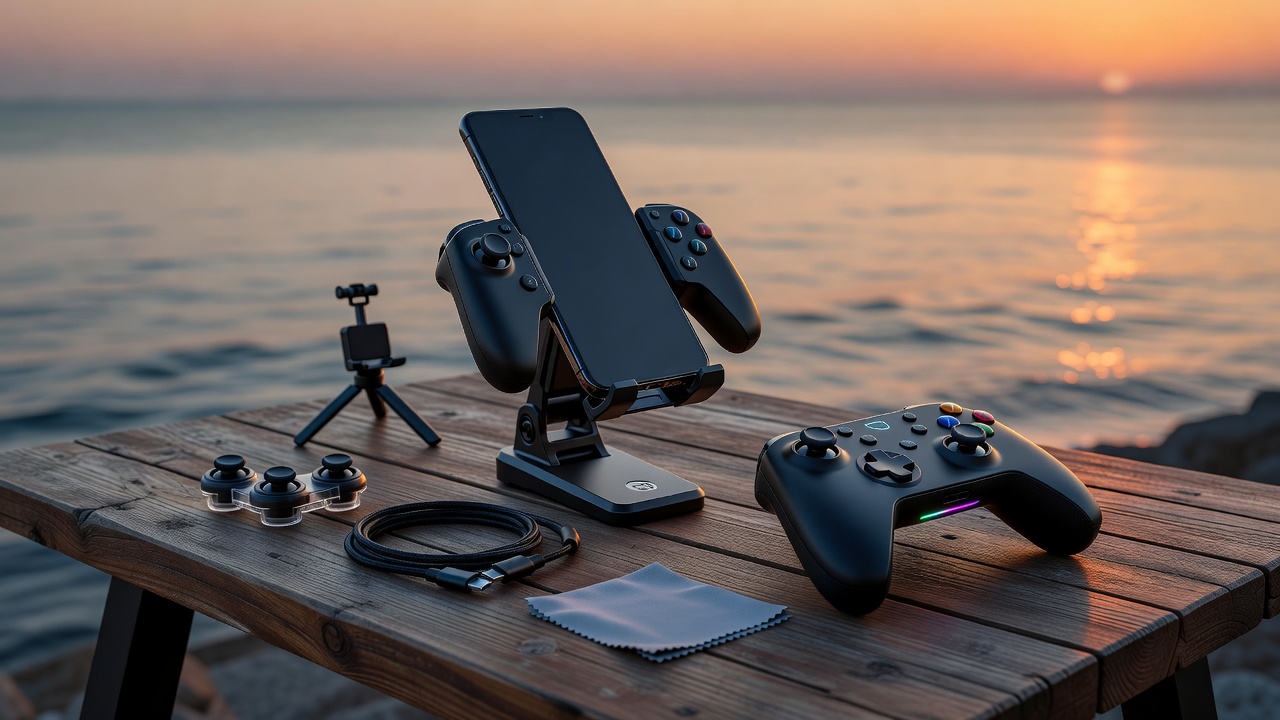
Based on all our comparison tables, here's the optimal accessory combination at three real-world budget levels.
At this budget, focus on the two accessories that immediately improve any mobile gaming session: a set of grip strips or a basic grip case, plus a 2-finger trigger set. These address sweat, slippage, and touchscreen control imprecision — the top two complaints among new mobile gamers.
Add a phone gamepad controller for physical button control, a clip mount for versatility, and upgrade to a desktop stand. You now have a complete mobile control setup that handles most gaming scenarios comfortably.
The complete kit includes an Android Bluetooth controller, semiconductor cooler, pro trigger set, grip case, and a desktop stand. This eliminates all performance bottlenecks and gives you a genuinely console-comparable mobile gaming experience.
Our top picks across four key evaluation categories, based on the comparison data above.
Mid-range mobile trigger set ($12–20) delivers the biggest performance improvement per dollar spent. Transforms touchscreen aiming into precision control.
Android Bluetooth controller + semiconductor cooler combo delivers the highest measurable gaming performance improvement across competitive titles.
Phone gamepad with integrated phone clip wins for portability — one device, maximum control, minimum bag space. The definition of gaming on the go.
Grip strips + 2-finger triggers + foldable stand. The starter trio costs under $30, requires zero configuration, and solves all three beginner gaming problems immediately.
Use our detailed buying guide to finalize your decision, or browse all accessory categories for specific product recommendations.
Our step-by-step guide walks you through defining your gaming style, checking compatibility, setting a budget, and choosing the right accessories.
Read the Buying GuideExplore each accessory category with detailed product breakdowns, specs, and type comparisons for every budget level.
See All Categories