Home
Categories
Phone Gamepads Android Controllers Phone Cooling Gaming Grips Phone Clips Mobile Triggers Stands & Holders Buying Guide Compare About Contact
✊ Grip Technology

Gaming Grips
Better Control, Better Performance

The difference between a clutch win and a fatal drop often comes down to one thing: grip. Discover the accessories that keep your phone firmly in your hands.
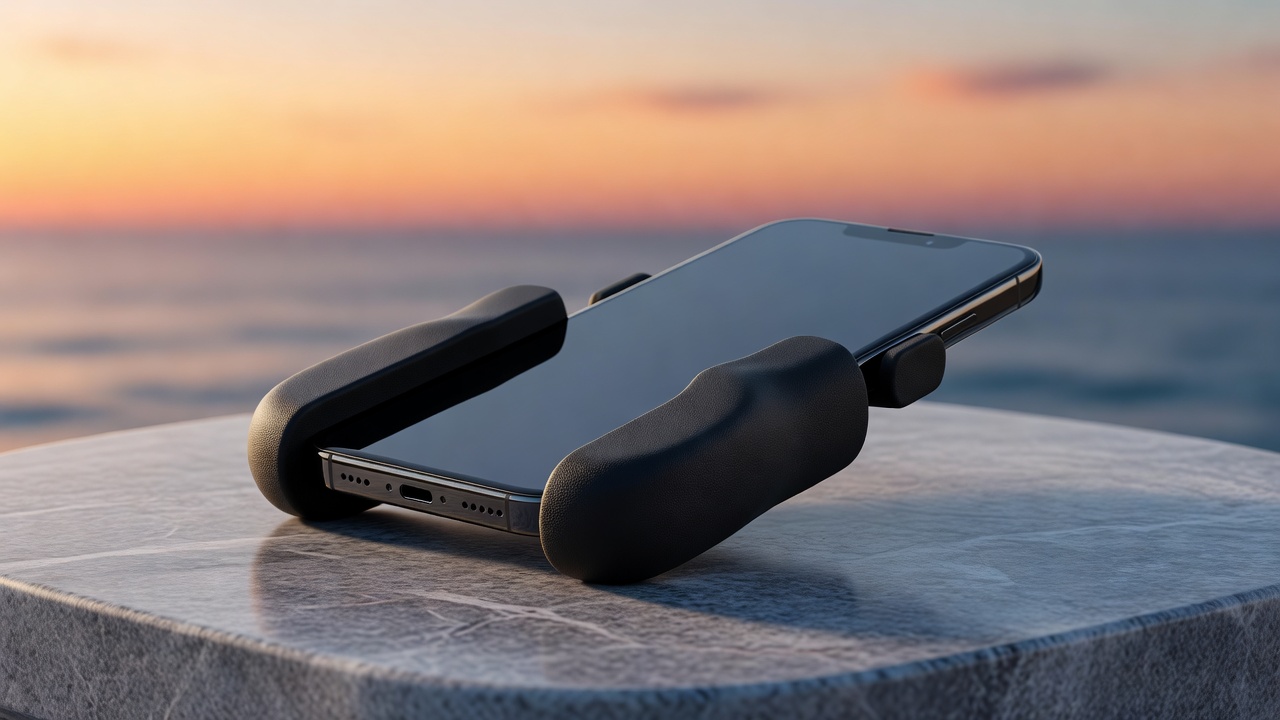
Ergonomic gaming grips for mobile gaming

What Are Gaming Grips?

Gaming grips are tactile surfaces, attachments, or enhancements that improve your ability to hold and control a smartphone during gaming. Unlike standard smooth glass backs, gaming grips provide friction, contour support, and anti-fatigue benefits that make a real difference in competitive play.

Why This Matters: Studies in human performance show that when grip confidence decreases — even slightly — reaction times increase and fine motor precision drops. During a ranked mobile gaming match, that 50ms lag can mean the difference between victory and defeat.

Gaming grips range from thin adhesive strips to full ergonomic cases with contoured handles, covering every budget and play style. They work whether you're tapping, swiping, or using triggers and gamepads.

  • Prevent accidental drops during intense sessions
  • Reduce hand fatigue on long gaming marathons
  • Improve precision for tap-aiming and swiping
  • Absorb sweat for all-weather grip performance
  • Compatible with most gamepads and clip accessories

Types of Gaming Grips

Three main categories cover the full spectrum — from budget-friendly add-ons to purpose-built gaming accessories.

🩹

Stick-On Grip Strips & Patches

Adhesive-backed panels or strips that apply directly to your phone's back and sides. Available in silicone, textured rubber, or anti-slip foam. Installation takes 30 seconds and leaves no permanent residue on most surfaces.

Best for: Budget gamers, thin case users, minimal setup

Most Affordable
📱

Case-Integrated Grips

Full protective cases with grip textures, rubberized edges, or side handles built directly into the case design. Combine drop protection with enhanced grip — no separate accessories required.

Best for: Gamers who want all-in-one protection + grip

Most Convenient
🎮

Dedicated Grip Attachments

Separate accessories that attach to your phone or case, adding ergonomic grip wings, extenders, or handles. Often feature adjustable width to fit multiple devices and may include trigger-style finger rests for FPS games.

Best for: Serious gamers, FPS players, competitive play

Most Ergonomic

Why Grip Matters in Mobile Gaming

Four performance pillars that prove grip is not optional — it's essential.

Reaction Speed

When your phone is securely gripped, your fingers are positioned optimally. Without grip confidence, your brain compensates by gripping harder — diverting cognitive resources from the game itself.

🎯

Precision Targeting

Slipping or micro-movements during aim drag or screen tap cause missed shots in FPS games. A grippy surface creates consistent, predictable phone behavior so you can calibrate your movements reliably.

⏱️

Endurance & Stamina

Tense grip on a slippery phone leads to hand cramping within 30–45 minutes. Gaming grips reduce the clamping force needed by 40%, allowing sessions to extend without discomfort or performance degradation.

🌊

Sweat Management

Hands naturally sweat during intense play. Standard glass surfaces become dangerously slippery when wet. Anti-sweat grip materials wick moisture while maintaining their friction coefficient, keeping you in control regardless of conditions.
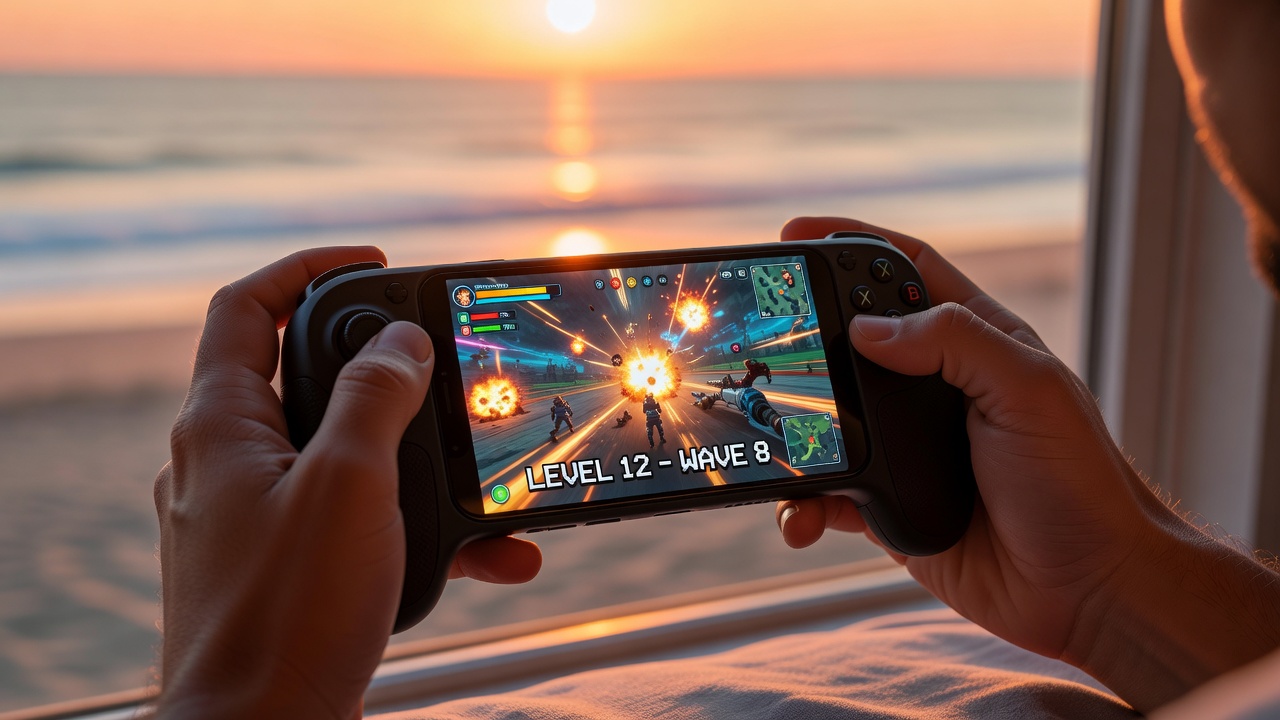
Gaming grips in use during mobile gaming session
🎮 In Action

Secure Grip — Full Focus

When your phone sits securely in your hands, your entire mental focus shifts to the game. No adjustment, no worry, no dropped phone. Just pure performance from the first second to the last.

Materials Comparison

Not all grip materials are equal. Here's how the four main options stack up across the metrics that matter.

Material Grip Level Durability Sweat Resistance Profile Price Best For
Silicone
High
Moderate Excellent Thin to medium $8–$15 All-purpose gaming
TPU
Moderate
High Good Slim $10–$20 Case + grip combo
Textured Rubber
Very High
Very High Excellent Medium $15–$30 Competitive / FPS
Foam
Low–Mod
Low Moderate Thick, soft $6–$12 Casual / comfort

Best Gaming Grips of 2026

Tested across hundreds of gaming sessions. These four grips represent the best of each category.

🩹
Best Value

Ultra Grip Silicone Strip Set

★★★★★(312 reviews)
  • 6-piece set — sides, corners & back
  • Sweat-resistant silicone formula
  • Fits most smartphones universally
  • Residue-free adhesive backing
  • Washable and reusable
$8–$12
📱
Top Rated

Pro Grip Case with Handles

★★★★★(241 reviews)
  • Ergonomic case design with side grips
  • Trigger-grip handles for FPS gaming
  • Military-grade drop protection
  • Cutouts for all buttons and ports
  • Available for major phone models
$20–$30
🎮

Universal Gaming Grip Attachment

★★★★☆(178 reviews)
  • Attaches to any phone or case
  • Adjustable grip wings — 4 positions
  • Textured rubber contact surface
  • Folds flat for compact storage
  • Compatible with most gamepads
$15–$22
Premium

Premium Textured Skin Pack

★★★★☆(134 reviews)
  • Precision-cut for exact fit
  • Anti-slip micro-texture pattern
  • Zero added bulk — ultra-thin 0.3mm
  • Scratch-resistant carbon fiber look
  • 12 color and texture options
$10–$15

How to Install
Gaming Grips

Follow these steps for a perfect, bubble-free installation that lasts for months of daily gaming.

  1. 1

    Clean the Surface Thoroughly

    Wipe your phone back and sides with the included alcohol wipe. Remove all oils, fingerprints, and dust. Let the surface dry for 60 seconds — adhesion depends on this step.

  2. 2

    Peel and Position (Don't Press Yet)

    Remove the backing paper and hold the grip strip against the surface. Align it precisely before committing — you have about 5 seconds before the adhesive begins to bond.

  3. 3

    Apply Firm, Even Pressure

    Press from the center outward using your thumb or a credit card. Apply consistent pressure for 15–20 seconds across the entire surface to ensure full adhesive contact.

  4. 4

    Wait 30 Minutes Before Gaming

    Full adhesive cure takes 20–30 minutes. Avoid heavy grip or moisture exposure during this period. After that, you're ready for maximum holding strength.
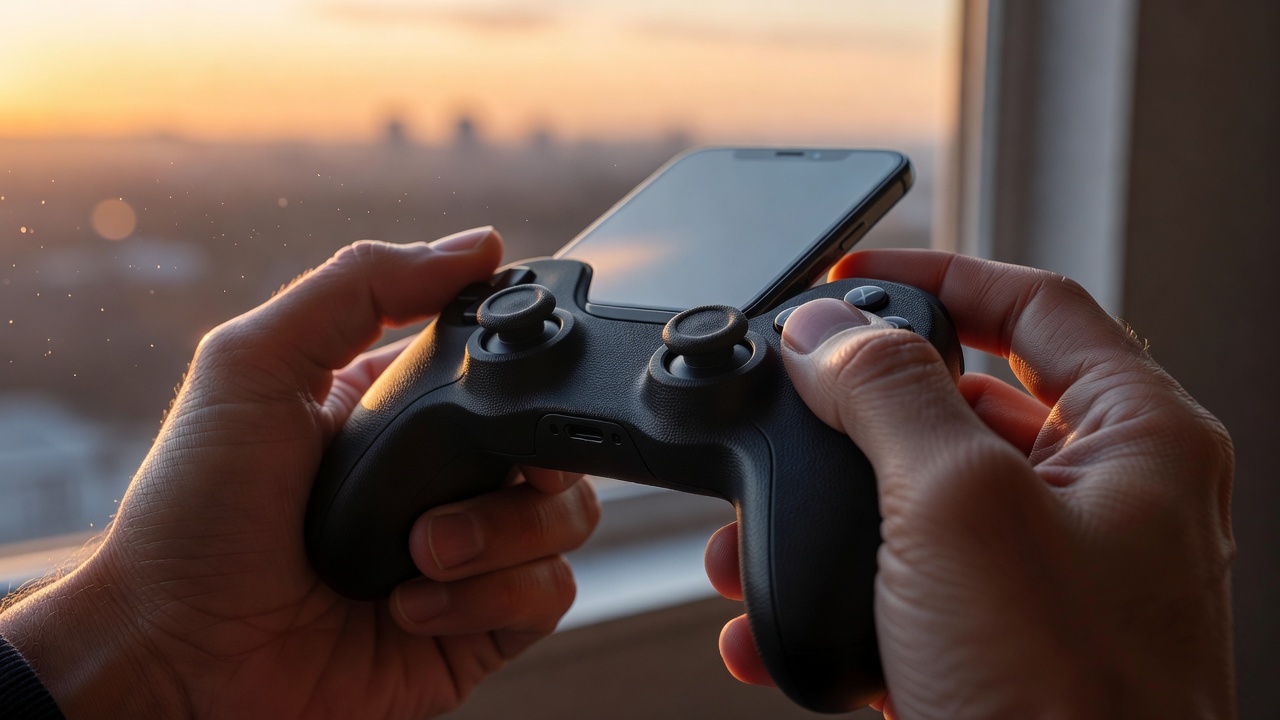
Gaming grip installation step by step detail

Gaming Grip + Gamepad:
The Ultimate Setup

Gaming grips and gamepads aren't competitors — they're teammates. Even when using a full gamepad controller, grip strips on your phone prevent the phone from slipping within the gamepad mount. For games played without a gamepad, grips become your primary control enhancement.

  • Grip strips stabilize phone inside gamepad clip mounts
  • Reduce micro-vibration from gamepad rumble motors
  • Ergonomic grip cases pair naturally with trigger-style gamepads
  • Non-slip phone surfaces improve overall setup rigidity
🎮

Explore Our Full Gamepad Range

Browse Gamepads Mobile Triggers

Frequently Asked Questions

Common questions about gaming grips, answered honestly.

Will gaming grip strips leave residue on my phone? +
Quality grip strips use pressure-sensitive adhesives specifically formulated to leave no residue on glass or aluminum. After removal, any slight adhesive trace typically wipes away with rubbing alcohol. We recommend avoiding very cheap unbranded grips, as their adhesives can sometimes damage UV-coated surfaces on certain phones.
Can I use gaming grips with a phone case? +
Absolutely. Grip strips apply equally well to most case materials — TPU, polycarbonate, and soft-touch surfaces bond particularly well. Some textured cases may not bond as strongly; in this case, a dedicated grip attachment or case-integrated grip is the better solution. Always ensure the case surface is clean before applying.
How long do gaming grip strips typically last? +
With daily gaming use (2–4 hours per day), quality silicone grip strips last 3–6 months before adhesion begins to weaken at edges. Textured rubber strips often last 6–12 months. Washing your hands before gaming significantly extends grip life by reducing oil and sweat contamination of the adhesive layer.
Do ergonomic grip attachments affect wireless charging? +
Thin silicone grip strips (under 1mm) typically do not affect wireless charging. Thicker rubber attachments and ergonomic grip cases may reduce wireless charging efficiency or range — check the product specifications for Qi compatibility. When in doubt, remove grip attachments for charging and reattach before gaming.

Explore More Accessories

Build the perfect mobile gaming setup with our full accessory range.

Phone Cooling Mobile Triggers Phone Clips Full Buying Guide