Home
Categories
Phone Gamepads Android Controllers Phone Cooling Gaming Grips Phone Clips Mobile Triggers Stands & Holders Buying Guide Compare About Contact
🌡️ Thermal Management Solutions

Phone Cooling Systems
Keep Your Device Cool

Stop thermal throttling in its tracks. Discover the best phone cooling solutions for marathon gaming sessions and peak performance.
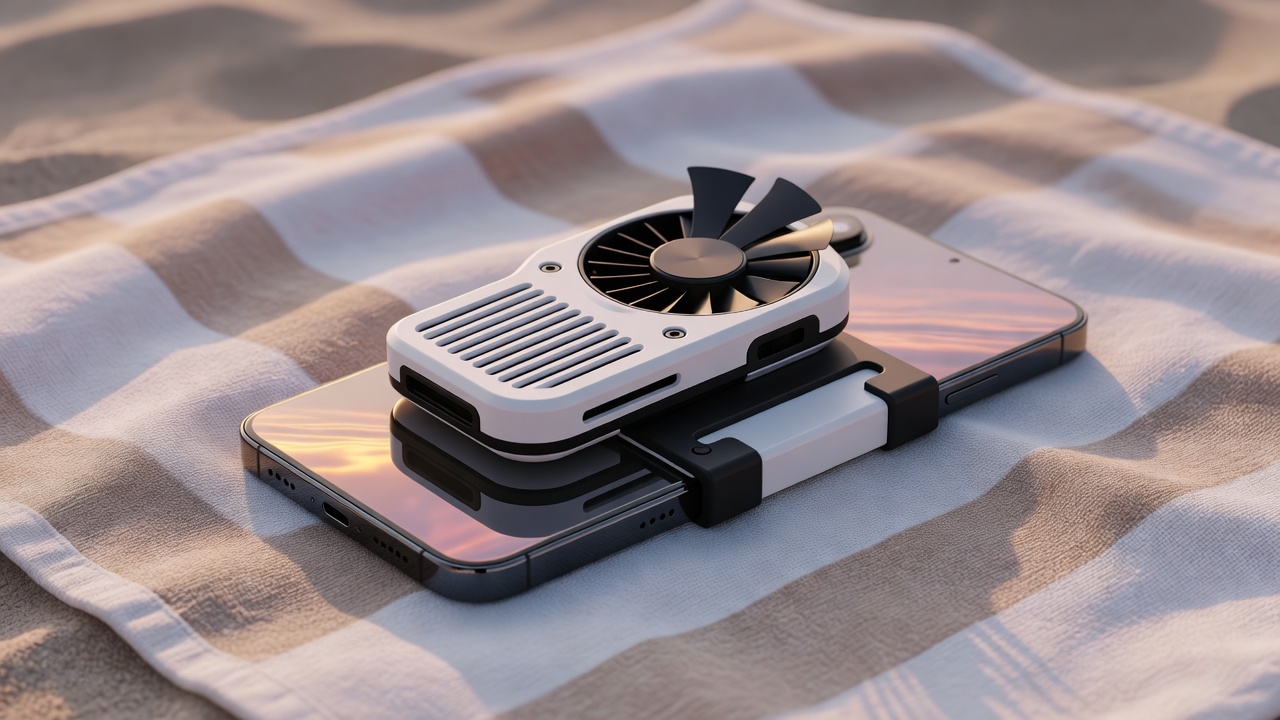
Phone cooling system for mobile gaming

The Hidden Enemy of Mobile Gaming Performance

Your smartphone is a powerhouse — but it has one critical weakness: heat. As you game intensively, your phone's CPU and GPU generate tremendous thermal energy. Without proper cooling, your device has only one defense: slow itself down.

Thermal Throttling Explained: When your phone exceeds safe temperature thresholds (typically 40–45°C), the processor automatically reduces clock speeds by 30–50% to prevent damage. This means fewer frames per second, input lag, and stuttering — right when you need peak performance.

Beyond immediate performance, sustained high temperatures accelerate battery degradation. Studies show that operating consistently above 45°C can reduce battery capacity by 20% within 6 months of regular use.

  • Prevents thermal throttling for consistent FPS
  • Extends battery lifespan significantly
  • Reduces in-game stuttering and input lag
  • Keeps your phone comfortable to hold
  • Enables longer gaming sessions without breaks

Types of Phone Coolers

From basic fans to advanced semiconductor coolers — find the technology that matches your gaming style and budget.

❄️

Clip-On Semiconductor Coolers

Using Peltier/TEC (Thermoelectric Cooler) technology, these devices actively pull heat away from your phone's back panel. They create a true cold side, achieving temperature drops of 10–20°C on contact surfaces.

Most Effective
💨

Cooling Fans / Air Coolers

Compact fans that clip onto or sit behind your phone, increasing airflow over the device surface. Multi-blade designs move significant air volume at low noise levels, ideal for warm environments or summer gaming.

Best Value
🧊

Cooling Pads / Thermal Pads

Flat accessories placed under or behind your phone. Some use gel-based phase-change materials, others feature dual micro-fans. Great for desk gaming setups — thin, light, and discreet.

Most Portable
💧

Water-Cooled Mobile Coolers

The premium option: a miniature liquid cooling loop combined with TEC technology. Achieves the highest cooling performance (up to -20°C) with app-controlled temperature settings. Built for serious competitors.

Pro Grade
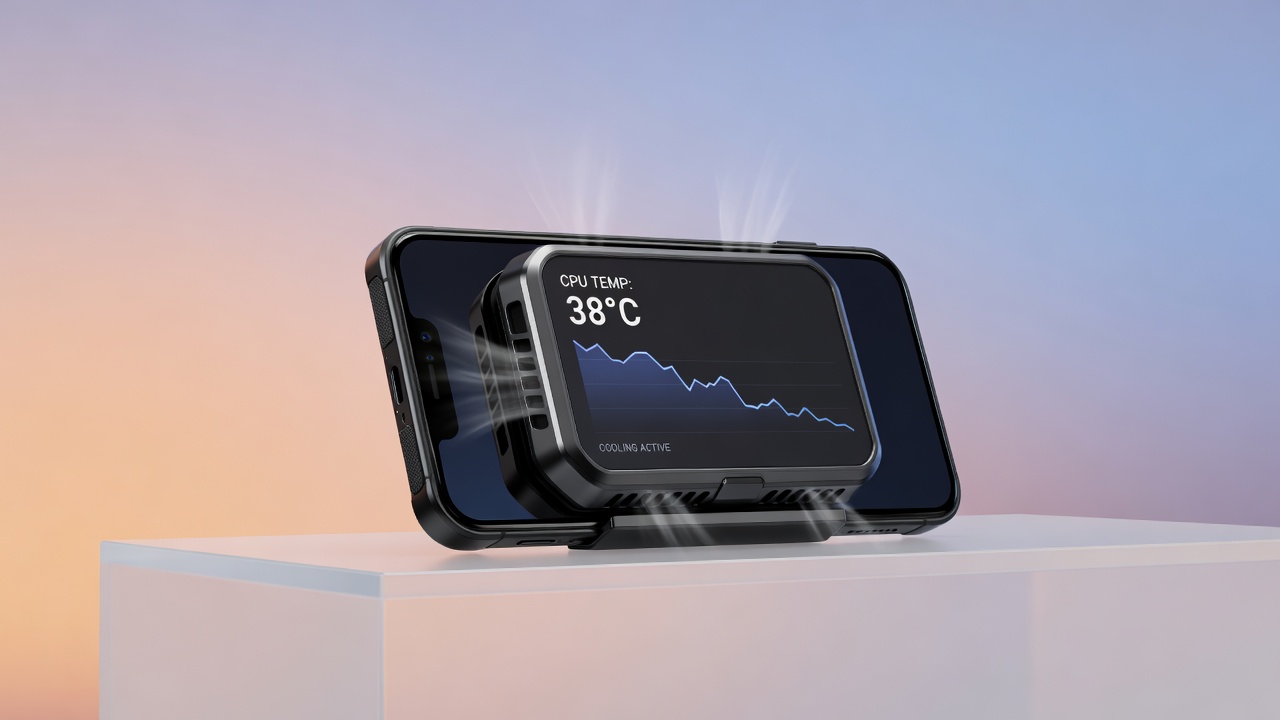
Phone cooler in use during mobile gaming session
🎮 See It In Action

Real Cooling, Real Results

Watch how a semiconductor cooler keeps a smartphone at a stable 35°C during a 3-hour PUBG Mobile session — no throttling, no performance dips. Just pure, uninterrupted gameplay.

Key Specs to Compare

Use this at-a-glance comparison to find the right cooler for your phone and gaming habits.

Cooler Type Temp Drop (°C) Connection Noise Level Compatibility Price Range
Semiconductor Clip −10 to −15°C USB-C Silent 4.5"–7" phones $25–$35
Mini Turbo Fan −5 to −8°C USB-C ~28dB Universal $15–$20
Cooling Pad −4 to −7°C USB-A / USB-C ~24dB Universal $12–$18
Water-Cooled Pro −15 to −20°C USB-C Silent Most flagships $45–$65
Lightning Clip Cooler −8 to −12°C Lightning Silent iPhone (older) $20–$30

Our Best Phone Coolers

Editor-tested and gamer-approved. These four coolers cover every need from casual play to professional esports competition.
❄️
Best Seller

Semiconductor Clip Cooler Pro

★★★★★(284 reviews)
  • −15°C Peltier TEC technology
  • USB-C connection, no battery needed
  • Completely silent operation
  • Fits phones 4.5" to 7"
  • Adjustable clamp pressure
$25–$35
💨

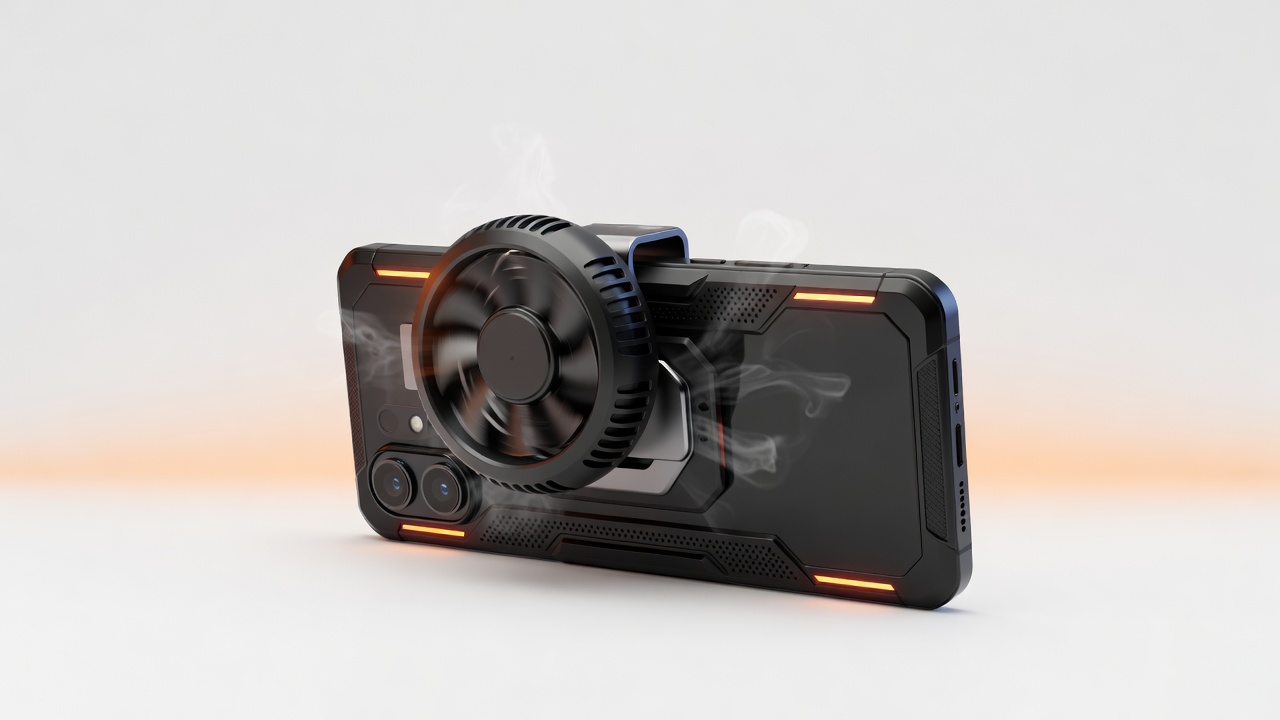
Mini Turbo Fan Cooler

★★★★☆(197 reviews)
  • 7-blade high-efficiency fan
  • USB-C powered, compact build
  • ~28dB operating noise
  • Clip-on universal design
  • Low-power consumption
$15–$20
🧊
Great Value

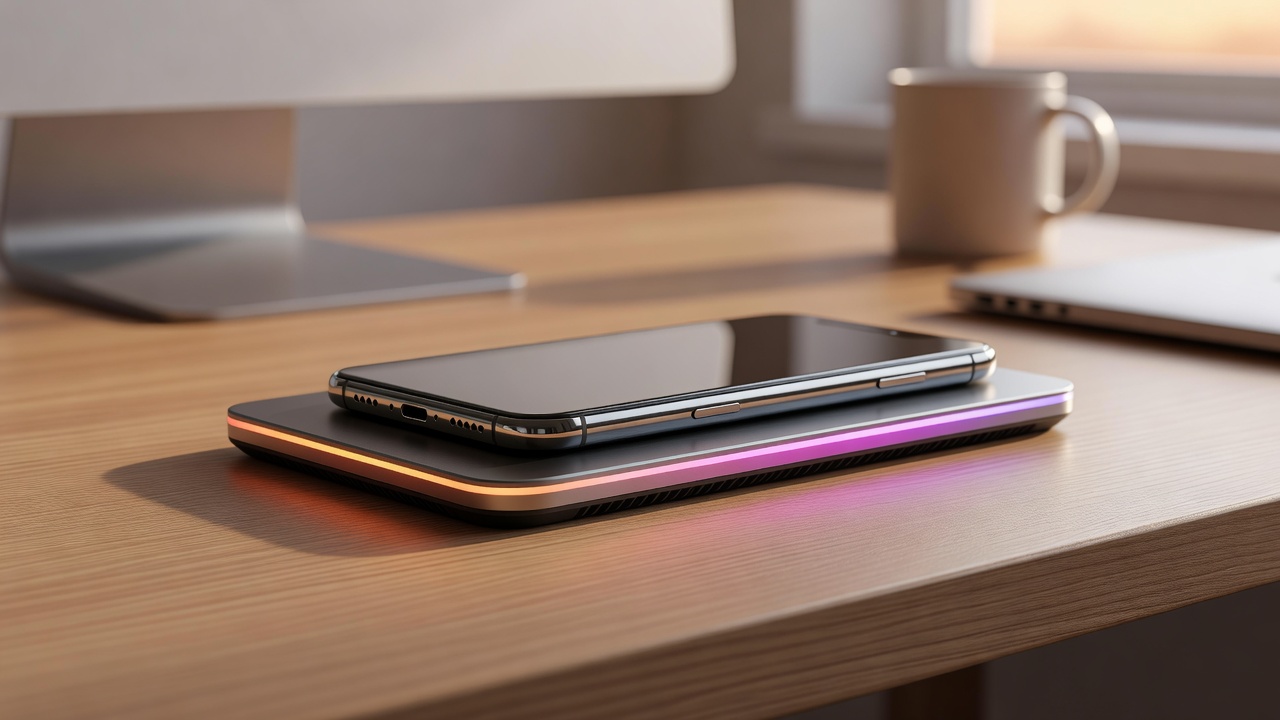
Cooling Pad Ultra

★★★★☆(156 reviews)
  • Flat design with dual micro-fans
  • Works for desk and hand-held use
  • USB-A + USB-C dual connectivity
  • Non-slip surface coating
  • Compatible with all phone sizes
$12–$18
💧
Pro Grade

Water-Cooled Pro

★★★★★(89 reviews)
  • Advanced TEC + liquid loop tech
  • App-controlled temperature settings
  • Achieves −20°C surface cooling
  • Dual-mode: Auto and Manual
  • Built-in temperature display
$45–$65
Close-up detail of mobile gaming cooling fan

What Makes a Great
Cooling Fan

  • 🔧
    Blade Geometry 7-blade helical designs outperform standard 4-blade fans by moving 40% more air at the same RPM, reducing noise significantly.
  • 🛡️
    Motor Quality Brushless motors are essential — they run quieter, last longer, and deliver consistent airflow without vibration feedback to your hands.
  • 📐
    Contact Surface Wide surface contact with the phone back maximizes heat transfer. Look for silicone-lined clamps that protect your phone's finish.
  • Power Draw Good coolers draw from the phone charger, not the battery. Pass-through charging support is a must-have feature.
Phone cooling thermal pad for gaming

Thermal Pad Technology

Extended gaming session with phone cooler

Long Session Performance

Thermal Pads: Understated Excellence

Phase-change thermal pads absorb and redistribute heat using materials that transition between solid and liquid states at gaming temperatures. They're passive, silent, and require zero power — making them ideal for outdoor play or situations where noise is a concern. Pair them with a fan cooler for a two-stage cooling setup.

Gaming Marathons Made Possible

Extended sessions — whether ranked grind, esports practice, or streaming — demand sustained thermal management. With the right cooler, a 4-hour session maintains the same performance as the first 15 minutes. Temperature-stabilized devices also produce less audio compression and display scaling artifacts caused by thermal protection software.

Does Phone Cooling Really Work?

We hear the skepticism. Here are the facts, straight from thermal testing and gamer feedback.

Do semiconductor coolers actually drop temperature by 15°C? +
Yes — with an important caveat. The −15°C rating refers to the cooler's contact surface temperature relative to ambient. In real-world use on a gaming phone running at 48°C, you'll typically see the back surface drop to 32–36°C. Internal CPU temperature reduces by 5–10°C due to the phone's thermal resistance layers. That's still enough to prevent throttling in most cases.
Will a phone cooler drain my battery faster? +
Semiconductor (TEC) coolers draw power from your phone's USB port, so they do consume some battery — typically 2–4W. However, most quality coolers support pass-through charging, meaning you can charge your phone and run the cooler simultaneously with no net battery loss. Fan coolers draw much less (0.5–1W) and have negligible battery impact.
Can condensation form inside my phone from coolers? +
This is a legitimate concern. If the cooler drops the phone surface below the dew point of your local environment, condensation can form. Modern quality coolers include auto-shutoff features and temperature sensors to prevent over-cooling. As a rule, avoid using semiconductor coolers in high-humidity environments (above 70% RH) without the smart temperature control feature.
Are fan coolers worth it if my room has AC? +
Even with air conditioning, your phone generates localized heat that room cooling can't address efficiently. A fan cooler specifically targets the phone's back panel — where heat concentrates most. In a 22°C air-conditioned room, a fan cooler can still reduce phone surface temperature by 4–6°C during intensive gaming, which keeps you well below throttling thresholds.
Which phones benefit most from external cooling? +
High-performance gaming phones (Snapdragon 8 Gen series, Dimensity 9000+, Apple A-series) generate the most heat and benefit the most. Mid-range phones with less powerful chips and OLED displays also run warm under load. The biggest beneficiaries are users in warm climates (above 28°C ambient), those who game for 2+ hours at a time, and anyone playing graphically intensive titles at maximum settings.

5 Tips for Managing Phone Heat
During Gaming

Hardware alone isn't everything. These habits maximize the effectiveness of any cooler.

1
📵

Remove Your Case While Gaming

Most phone cases trap heat. Removing them allows the cooler to contact the back panel directly and improves airflow by 30–40%.

2
🔆

Reduce Screen Brightness

The display is a major heat source. Lowering brightness from 100% to 70% reduces display-generated heat by nearly 25%.

3
📶

Use Wi-Fi Over Mobile Data

Mobile data radios generate more heat than Wi-Fi modules. Where possible, game over Wi-Fi to reduce modem thermal output.

4
🔋

Game at 80% Battery Charge

Lithium batteries generate more heat when charging from 0–20% or when above 90%. Gaming at 40–80% charge is thermally optimal.

5
🎮

Enable Game Mode / Performance Settings

Most gaming phones have a dedicated mode that optimizes thermal management, prevents background app heat, and allocates resources efficiently.

Complete Your Gaming Setup

Phone cooling works even better with the right accessories. Explore our full range.

Gaming Grips Mobile Triggers Phone Clips Full Buying Guide